
Checking Lab Challenge 2 (Basic)
Your company has just installed and configured a new router to provide Internet access. Your task is to check the configuration of this router and take notes for future reference. Because of security, the “show running-config” command is disabled on R1.
Note: You are not allowed to configure anything by company policy. The network is operating correctly so just use various “show” commands and “ping” to learn how this network works.
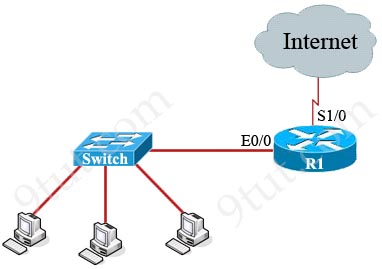
This is the link to access this lab challenge: https://www.9tut.com/lab_challenges/Checking_Configs_Basic/


Thank you
show ip int breif
It is missed the default route